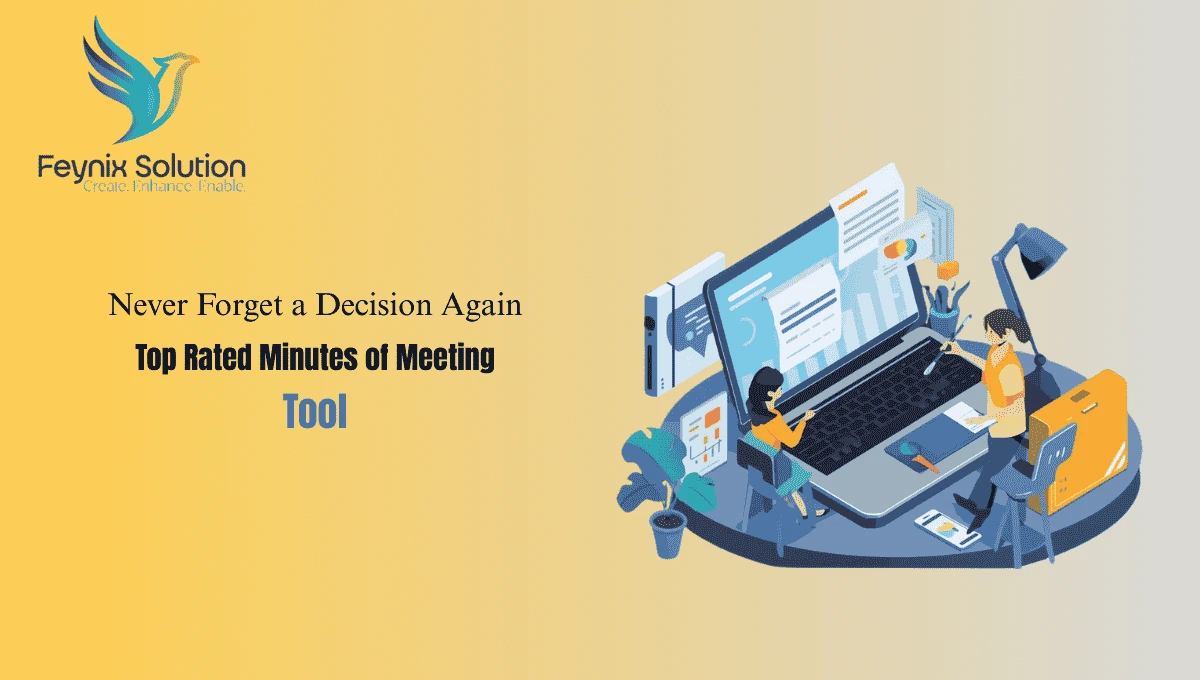
When meetings start piling up and key decisions slip through the cracks, teams lose time and momentum. That’s where Feynix Solution’s top rated minutes of meeting tool transforms how you capture, organize, and share insights. Whether you’re leading a project team or managing daily standups, the right tool ensures nothing gets forgotten — from action steps to assigned owners.
In this comprehensive guide, we’ll unpack what makes Feynix Solution’s top rated minutes of meeting tool essential, how it works, and practical ways teams use it to stay aligned and accountable — without missing a beat.
Why You Need Feynix Solution’s Minutes of Meeting Tool
Modern teams are fast‑paced. Meetings happen on Zoom, Teams, or in hybrid formats. Yet relying on manual note-taking leads to inconsistencies:
- Notes that lack context
- Decisions buried deep in text
- No clear owner of action items
That’s the gap Feynix Solution fills. With features like live recording and smart summaries, it turns spoken conversation into structured records. This not only saves time but also enhances clarity and accountability — critical for high-performing teams.
Key Features of Feynix Solution’s Top Rated Minutes of Meeting Tool
1. Live Recording
Live recording captures meeting audio in real time. This ensures nothing is lost — even when participants talk fast or interrupt each other.
Benefits:
- Capture full audio for accurate transcription
- Works during in‑person and virtual meetings
- Helps avoid misinterpretation of speech
Example: A project manager uses live recording to ensure stakeholders reviewing meeting minutes later hear exact phrasing and context, reducing confusion.
2. Audio Upload
Sometimes meetings happen offline or get recorded to a phone. Feynix Solution allows audio upload, turning those recordings into structured notes without retyping.
Best practice: Upload audio from client sessions and generate minutes afterward, maintaining accuracy while you focus on the discussion.
3. Smart Summaries
Raw transcripts are long and overwhelming. Smart summaries distill content into concise blocks:
- Key decisions
- Action items
- Outstanding questions
Busy executives can quickly access highlights without wading through pages of text.
4. English & Roman Urdu
In multilingual environments, supporting both English & Roman Urdu is invaluable. It ensures:
- Accurate transcription of mixed-language meetings
- Clear minutes reflecting how people actually speak
This is especially useful for teams in South Asia or globalized organizations with diverse language use.
5. Export Options
Once your minutes are ready, Feynix Solution offers flexible export options:
- PDF export for sharing with stakeholders
- Excel export for task tracking
- Word export for documentation
This ensures minutes fit seamlessly into your workflow.
6. Speaker Recognition
Speaker recognition identifies who said what — a game-changer in collaborative settings.
Practical Example: In a team meeting, the tool tags comments with names or roles, making accountability crystal clear when reviewing afterward.
How Feynix Solution’s Minutes Tool Works: Step‑by‑Step
Step 1: Start Recording
Open Feynix Solution’s tool before the meeting begins. Choose whether to record live or upload saved audio later.
Step 2: AI Transcription
The tool processes speech into text in real time or after upload. Advanced features support accents and multilingual phrases, including English & Roman Urdu.
Step 3: Generate Smart Summary
Smart summary extracts key points, decisions, and action items into organized, actionable notes.
Step 4: Review & Edit
Refine sections, tag speakers, add deadlines, or clarify items before exporting.
Step 5: Export & Share
Select PDF, Word, or Excel export. Send minutes to stakeholders, upload to cloud storage, or track tasks in your project system.
Use Cases: Real Scenarios Where Feynix Solution Shines
Team Standups
In agile teams, standups happen daily. Feynix Solution creates summaries automatically, freeing teams to focus on work instead of documentation.
Client Meetings
Capture decisions and feedback accurately. Feynix Solution ensures no miscommunication, building trust with clients.
Board or Committee Meetings
Accountability and structure are paramount. Speaker recognition helps reference who said what.
Training Sessions
Smart summaries help learners revisit key insights without replaying entire recordings.
Choosing the Best Tool for Your Organization
Evaluate:
- Features: Live recording, audio upload, smart summaries, multilingual support, export options, speaker recognition.
- Integrations: Does it connect with calendars, Teams, Zoom, or Slack?
- Security & Compliance: Encryption and regulatory compliance matter for sensitive discussions.
Explore Feynix Solution’s leading tool here:
🔗 Meeting Tool
Pros & Cons of Using Feynix Solution’s Minutes Tool
Pros
- Improved Accuracy: Automated transcription reduces human error.
- Time Savings: Less time documenting, more time executing.
- Accountability: Clear action items and speaker identification build ownership.
- Multilingual Support: Supports diverse teams with English & Roman Urdu.
Cons
- Learning Curve: Some features may require onboarding.
- Dependence on Audio Quality: Poor recordings affect transcription accuracy.
- Subscription Costs: Advanced capabilities often come with premium pricing.
Real User Testimonials
“Feynix Solution’s tool changed how we document meetings. Live recording and smart summaries save us hours every week.” — A. Khan, Project Lead
“Speaker recognition makes follow-ups so much easier. Highly recommend for remote teams.” — R.M., Product Manager
“Audio upload is a lifesaver. We capture client calls and convert them to organized minutes quickly.” — M.K., Freelancer
“Export options fit perfectly with our workflow — PDF and Excel are huge wins.” — T.S., Operations Head
People Also Ask
- What is a minutes of meeting tool?
A minutes of meeting tool captures discussions, generates structured notes, and highlights key decisions and action items. Feynix Solution includes live recording, smart summaries, and export options. - How does live recording help in meeting minutes?
Live recording captures audio directly during meetings, ensuring accurate transcription and detail for later reference. - Can minutes tools support languages like Roman Urdu?
Yes, Feynix Solution supports multilingual transcription including English & Roman Urdu. - Does speaker recognition improve meeting minutes accuracy?
Absolutely — it tags who said what, making accountability clear and review more efficient. - Are export options necessary in meeting tools?
Yes. PDF, Word, and Excel export help integrate minutes with documentation and project workflows. - How do smart summaries work?
They extract key points, decisions, and action items from meeting transcripts into concise, actionable notes. - Can I upload an audio file later instead of recording live?
Yes. Feynix Solution supports audio uploads, letting you process talking points anytime.
Conclusion
Feynix Solution’s top rated minutes of meeting tool is essential for teams that want organization, accountability, and productivity. With live recording, smart summaries, speaker recognition, and multilingual support including English & Roman Urdu, your team will never miss a decision again.
Author Bio
Feynix Solution Team
Experts in digital productivity and collaboration tools, Feynix Solution, a trusted software services company, delivers practical technology solutions based on real-world business needs.
Contact: info@feynixsolution.com